[0:00]Hello everyone. Today we will introduce how to register Vsol ins account and connect the OLT to the Vsol ins. We have two cloud servers located in Singapore and South America. Users can choose suitable servers based on their geographical location. This time we take Singapore cloud servers as an example.
[0:26]Firstly, access Visol INS through the URL. Register your own account.
[1:11]After registration, log in using your email and password.
[1:29]After logging in, you can see all the functions of the network administrator.
[1:51]At present, there is no OLT available for management in our account.
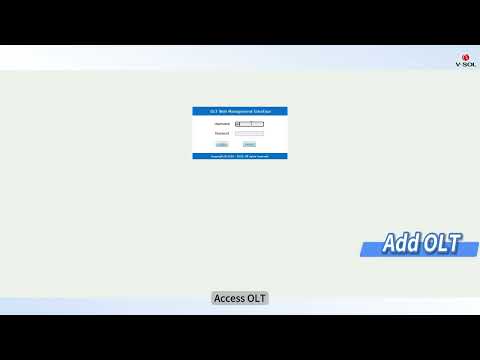
[2:01]Now, let's add OLT to Vsol ins. Access OLT.
[2:16]Configure out of band management IP and gateway.
[2:33]Configure DNS.
[2:44]Attempt to ping the domain of VSOL-INCE.
[2:57]Check the login access list to see if SNMP service has been denied.
[3:10]Configure SNMP trap.
[3:33]INS SN is the project ID. Return to INS view and copy the default project ID. the project ID combined OLT to the default group of the current login account. You can see it displayed as connected. Returning to INCE it can be seen that OLT has been successfully added.
[4:06]Now we can manage OLT through VSOL-INCE.
[4:17]That's all for this course. Thank you for your attention and listening.


