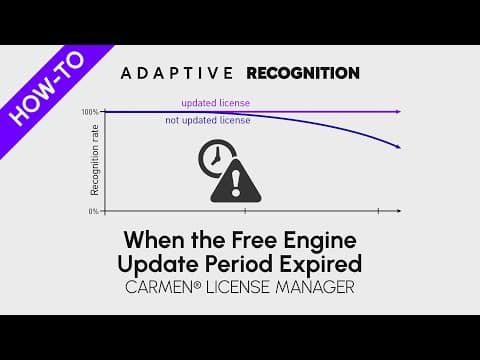
[0:07]Welcome to Adaptive Recognition how to video series. When the free engine update period expired. To find out whether the license update period has already expired, display the license on the hardware key in the license manager. If the hardware key contains an expired license, it will appear in the licenses field with a red background.
[0:37]Note that an update expired license will still work with all engines issued before the update expiry date of the license for the given region.
[0:59]Thanks for watching! For staying updated, make sure to subscribe to our channel.