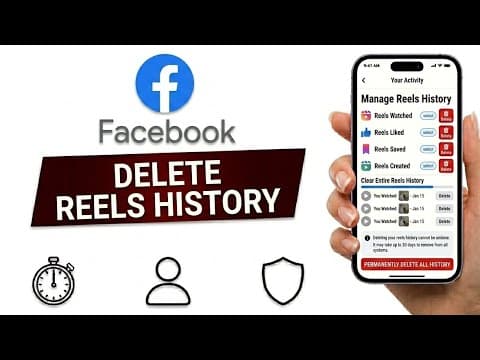
[0:00]Wanna clear your Facebook reels history and remove the reels you've watched before. Facebook actually keeps track of your activity, but you can delete that history.
[0:09]First, open the Facebook app on your phone. Now tap on your profile menu.
[0:15]Depending on your app version, this may appear in the top right or bottom right corner of the screen.
[0:21]After that, tap on the three line menu icon. Then choose settings and privacy and tap on settings.
[0:28]Once you're inside the settings page, scroll down a little until you find activity log under the your activity section.
[0:35]Tap on it to open your Facebook activity history. Now scroll through the options until you find reels activity or videos you've watched.
[0:43]Facebook may place this section in slightly different locations depending on your device or app version.
[0:48]So if you don't see it immediately, keep scrolling a little. When you open it, you'll see a list of reels and videos connected to your account activity.
[0:57]To remove them, tap the three dots next to a reel.
[1:00]Then choose delete or remove from history. You can also clear multiple items if Facebook gives you the option.
[1:07]After deleting them, your reels activity history will be much cleaner and Facebook recommendations may start refreshing over time as well.


