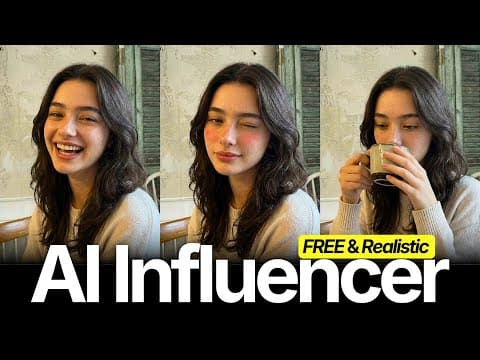
[0:00]Today I'm going to show you the easiest way to create these kinds of realistic AI influencers for free. So, without wasting any more time, let's get started. First of all, we need a source image or model. So let's create our own model. For that, go to Pinterest. Here you'll find lots of influencer models. Just select anyone you like and download the image. Now, head over to Lovart AI. They give 30 free credits daily, which is more than enough for us. Click on the plus icon, then click on image generator. Here, upload the image we just downloaded and select Nano Banana Pro. Set the resolution to 2K and change the aspect ratio to 3x4. Now write this prompt, the prompt is available in the description. After that, click on generate. And just like that, we get our own AI influencer. We can do anything with it. Next, we're going to give her motion. She can dance, lip sync or do anything you like. For this, head over to Pinterest again and download any kind of video you want your influencer to recreate, like this one. Simply copy the video link and paste it here. Then click on download. Now, I have this video and I want my influencer to do the same actions. So head over to frame extractor and upload the video we just downloaded. Set the frame number to one and click on extract.
[1:39]After that, click on download. Now, once again, head over to Lovart AI and click on image generator. Upload both images here. The model image and the frame we just extracted from the video. Then write the prompt that image two is posing and dressing like image one. Select the 2K resolution. Set the aspect ratio to 3x4 and click on create. And here we have the final image. Just download it. Now, head over to KIAI and sign in with your Google account. Click on API market. Then, scroll down and select Kling Motion Control. Remove the default image and upload our AI influencer image here. Then, remove the default video and upload the video we downloaded from Pinterest. Delete the prompt. And 720p resolution is more than enough for us. Now click on run, and it will start creating the video. Let me download this. And here you can see the result. It looks super realistic, and the motion is really smooth and cool. You can also use Higgsfield AI. They are giving three free generations. Just go to motion control. Upload your video here and your influencer image here. Then click on generate. And here is the Higgsfield AI result. So go ahead and start creating your own AI influencers for free.


