[0:00]Want to change your YouTube country or region settings? Maybe you're traveling, moved to a different country, or just want to see content that's available in another region. In this video, I'll show you exactly how to do it in just a few taps. Start by opening the YouTube app on your phone. Once you're on the home screen, tap your profile picture in the bottom right corner. Next, tap the settings icon in the top right corner to open your YouTube settings menu. From here, select general. Scroll down until you see location and tap on it. You'll now see a list of available countries and regions. Take a moment to browse through the list and select the country you want to switch to. As soon as you choose a new location, YouTube will update your regional settings. This can affect things like trending videos, recommendations, and certain content that's available in that region. If you ever want to switch back, just follow the same steps and choose a different country.
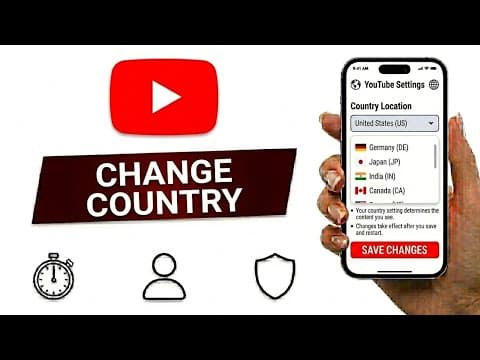
How To Change YouTube Country
SpaceApp
59s172 words~1 min read
AI audio transcription
Transcript source
AI audio transcription
This transcript was generated from the video's audio because no usable YouTube caption track was available. The transcript below is server-rendered so it can be read, searched, cited, and shared without opening the original YouTube player.
Pull quotes
[0:00]Maybe you're traveling, moved to a different country, or just want to see content that's available in another region.
[0:00]Once you're on the home screen, tap your profile picture in the bottom right corner.
[0:00]Next, tap the settings icon in the top right corner to open your YouTube settings menu.
[0:00]Take a moment to browse through the list and select the country you want to switch to.
Use this transcript
Related transcript hubs
Watch on YouTube
Share
MORE TRANSCRIPTS


