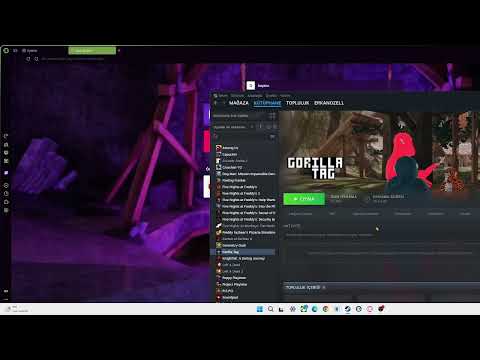
[0:00]Yo, what's up guys? Today I'm going to be showing you how to get the brand new Hamberburdu out mod menu in Gorilla Tag. So first you go onto your browser and write, Beppinx. So once you have that, you're going to come here. You'll go to releases. You're going to download this. So once you download it will be a zip. You'll go to your file manager.
[0:30]So then you'll go to here, you're going to see a zip. You'll extract that zip. The file will look like this, not Gorillag mod. The file photo will look like this. you once you extract it, so then, you'll go to the Discord link in the description. So then you'll verify and stuff. You'll be in this menu in this place. Hamberbur, you'll go to download. You'll first get Gorilla notifications. You need that for the, for the menu. You'll download it. Then you will say download. You'll download the menu. You can close Discord.
[1:14]So, and then you'll go to your file manager. Nope, no, no file manager. Yes, file. Okay, you'll go to, here. Gorilla Tag. Browser files.
[1:33]You go and get that Beppinx file. on to here. Get that Beppinx file onto here. You'll see this Beppinx. So now, you will, you will not see these. You will run the game once. And then you can go to here. Beppinx, you will see plugins. Okay? So then you'll go to your browser and right, Monke, you will right, Monke Mod Manage. You'll come here and click this. It will download it. It will be an AXC.
[2:30]Then you'll go to your Steam again. Here, browse local files. Here. So now, um, downloads. You'll go to downloads. You will see that two DLL, Beppinx, plugins. You'll get that two DLL in here. It will be Gorilla notifications and Hamberbur DLL. You'll go get them here. Then get the mod, Monkey mod manager, AXC into the plugins folder. You will open it. You will say, if it make sure it's this Beppinx 2 is selected. You'll say, install update. Boom, you have the mod menu now. Bye. That was a quick tutorial on how to get it. Bye bye.


