[0:00]If you are using Windows 11, you must need to disable this setting to boost performance. Press Windows plus R, type GP edit.msc and hit enter. Go to Computer configuration, administrative templates, Windows components, app privacy. Double click, let Windows apps run in the background. Set it to enabled and select this drop down on Force deny, then click apply and okay. This stops background apps from wasting CPU, RAM, and internet bandwidth, leaving more resources for your games. Follow for more hidden Windows performance tweaks.
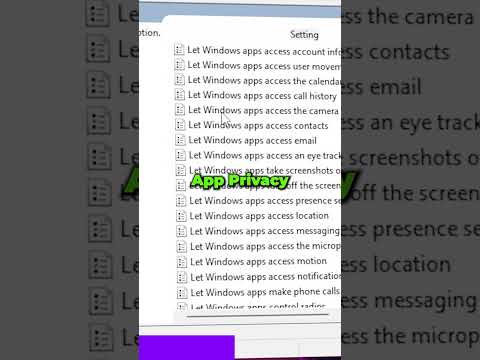
Disable Background Apps on Windows 11 #pctips #windows11
Vortex
39s86 words~1 min read
YouTube auto captions
Transcript source
YouTube auto captions
This transcript was extracted from YouTube's auto-generated caption track. The transcript below is server-rendered so it can be read, searched, cited, and shared without opening the original YouTube player.
Pull quotes
[0:00]If you are using Windows 11, you must need to disable this setting to boost performance.
[0:00]Go to Computer configuration, administrative templates, Windows components, app privacy.
[0:00]Set it to enabled and select this drop down on Force deny, then click apply and okay.
[0:00]This stops background apps from wasting CPU, RAM, and internet bandwidth, leaving more resources for your games.
Use this transcript
Related transcript hubs
Watch on YouTube
Share
MORE TRANSCRIPTS


