[0:00]You want to check your CPU temperature on Windows 10 or 11? Unfortunately, you can't see it in task manager, but let me show you how using a free tool. Open your browser and search for HW info. Download the program from the official website and install it. Then launch HW info. Click on sensors. Now, scroll down until you find the CPU section. There you will see various temperatures, for example, the current temperature, the minimum, and the maximum. That's it. Now you know how hot your processor is. Make sure the temperature stays below 50° Celsius when idle and doesn't exceed 85° under load.
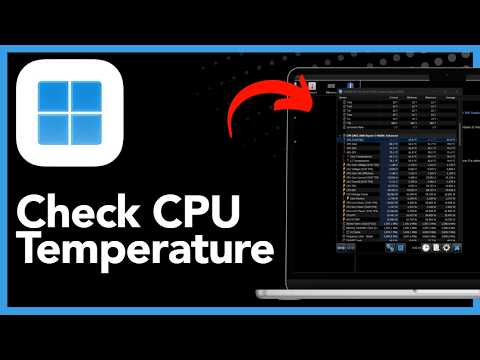
How To Check CPU Temperature On Windows 11 Or Windows 10 - Step By Step (2026)
Once Upon a Find
44s106 words~1 min read
AI audio transcription
Transcript source
AI audio transcription
This transcript was generated from the video's audio because no usable YouTube caption track was available. The transcript below is server-rendered so it can be read, searched, cited, and shared without opening the original YouTube player.
Pull quotes
[0:00]Unfortunately, you can't see it in task manager, but let me show you how using a free tool.
[0:00]There you will see various temperatures, for example, the current temperature, the minimum, and the maximum.
[0:00]Make sure the temperature stays below 50° Celsius when idle and doesn't exceed 85° under load.
Use this transcript
Related transcript hubs
Watch on YouTube
Share
MORE TRANSCRIPTS


