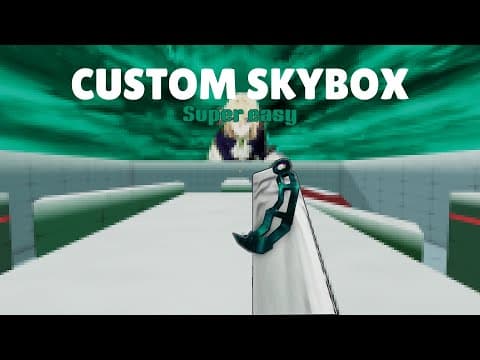
[0:00]Hello everyone, welcome to my first ever tutorial on this video. You may have clicked this video to get a custom sky as a lot of people have been asking for a tutorial, but yay, so for you guys I'm making this video.
[0:08]To get a custom sky like the one behind me, uh, I mean this one. Then make sure to watch fully and don't miss a single second or it can ruin your whole process.
[0:15]But before we start, please make sure to like and subscribe to the channel. It will be appreciated. Now let's get into it.
[0:20]So go to your browser and search up fish trap. Click the first one and make sure it's the right link as mine. Don't fall into sketchy one.
[0:26]I'll put a link in my description for you guys. So, after you clicked on it, go and press download. This will download Fish Trap. After finishing downloading, go and click the setup.exe.
[0:35]After that you will see Fish Trap installer. Go ahead and click next, then install.
[0:39]After that launch Fish Trap and go to Roblox Rivals for first time so that you can change the sky.
[0:44]After you loaded into rivals, then leave. Then go to your file and go find skybox fix.
[0:51]If you do not have this file, then go to my Discord server and find custom skies and then download it from there.
[0:56]All the files used here is available in my Discord server and if any problem occurred, don't hesitate to ask me for help.
[1:01]So after that, click on Skybox Fix and double click move.bat.
[1:05]Then a command pop-up will appear and don't worry, it's nothing scary, it's just for the process. Then after that, go and click any of the two files besides Skybox Fix.
[1:12]For this I'll go and choose devy.mm2 and you can choose any of the following as your choice. And you can click on the picture to see what the skies looks like.
[1:21]But for now, I'll choose overcast. Then go and select all the dot text files and don't choose the PNG file.
[1:27]Then press control plus C or right click and press copy.
[1:30]Then go and search Fish Trap and click Open File location. Then again, right click and open File location. Then click on Versions, Platform Content, PC, textures, then sky and paste it here.
[1:40]Press control plus V or just right click and paste. Then click yes. And now you're all set.
[1:44]Then go open Fish Trap and run rivals and you will see you have gotten your custom sky.
[1:48]Thank you for watching. Make sure to like and subscribe if this tutorial helped and yay, bye.


