[0:00]First, we need to find the Quizizz website.
[0:10]Two. Click the 'Create' button. But before that, if you're not logged in yet, log in first before you can create a quiz.
[0:27]Three. After logging in, you can immediately create a quiz as usual. Four. Click the 'create' button.
[0:41]Five. Choose which one you want. I choose Multiple Choice.
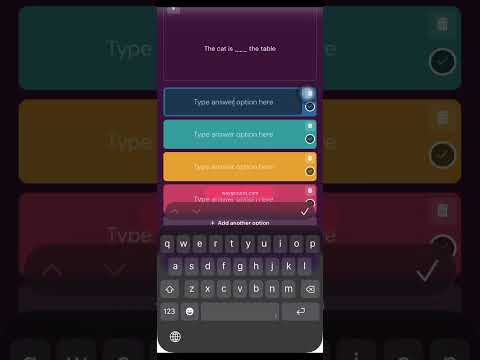
[0:49]Six. Write the question and the answer choices.
[1:02]Seven. Mark the correct answer and set the time for how long you want students to answer each question.
[1:13]Eight. Then, save the question you have made.
[1:21]Nine. If you want to add more questions, you can click Add Question and repeat the same steps.
[1:46]10. Put the quiz name, subject and grade.
[2:05]11. Then click save and publish.
[2:22]12. Lastly, you can choose to let students do the quiz at home or the teacher can show it in class and answer it together. Thank you.