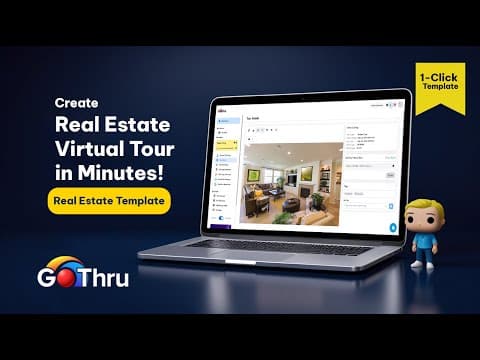
[0:01]Hi there. Welcome back to the GoThrough 360 channel. In this video, you'll learn how to create a fully interactive real estate virtual tour fast and professionally using GoThrough's ready-made template.
[0:13]Whether you're a real estate agent, interior photographer, or work with property marketing, this tool is made to save your time and still deliver high quality results. Let's dive in.
[0:28]From the GoThru dashboard, click create real estate virtual tour. This is a special template preloaded with features and structures suited for real estate properties.
[0:36]Give your tour a name and click next. Now, upload your 360 images. You can drag and drop them into the upload area or click to select files from your computer.
[0:58]Wait for all images to finish uploading. Once all images are uploaded, click continue.
[1:17]GoThru provides an auto label feature powered by AI. It analyzes each panorama and automatically assigns a room name, like living room, kitchen, or bedroom.
[1:26]Click apply auto label and wait for the process to finish. Depending on the number of images, this might take a few seconds or minutes. After that, double check the room labels.
[1:36]If something doesn't look right, just click and rename it manually. There are two useful tools here. Centering mode.
[1:48]This defines the opening view of each panorama. You'll see a red line. That's the direction users will face when entering the room.
[2:00]Adjust it clearly so the starting view makes sense. Change sequence. This allows you to reorder the flow of the tour. For real estate, use a natural order. Living room, kitchen, bedrooms.
[2:13]Once you're done, click next. Enable hosted tour and open the tour using the link provided.
[2:26]Since we use the real estate template, key plugins are already applied like a control bar for navigation, a thumbnail carousel, a pano labels to display room names.
[2:38]If you spot anything you'd like to adjust like image order or room labels, you can go back to the 360 image sequence section on the go-through page.
[2:47]Make your changes and click next. And if you want to do more customizations like changing colors, adding menus or fine-tuning the layout, click edit virtual tour.
[3:11]Just like that, your real estate virtual tour is ready to go. You can send the link directly to your client or embed it on your website.
[3:20]And that's it. Now you have a fast, clean, and professional real estate virtual tour without needing to build everything from scratch.
[3:27]This method is perfect for anyone who values speed, structure, and customization in one platform. So simple, so powerful.
[3:37]And that's how you use the real estate virtual tour template in go-through.
[3:42]If you've found it helpful, don't forget to like, subscribe, and hit the bell so you won't miss the next go-through guide. Until next time, keep building smarter virtual tours.